

The Call That Stops Everything
You go to check your Google Business Profile and instead of your dashboard, you see a red banner: Your Business Profile has been suspended. Your heart sinks. The profile that generates half your leads is gone. Customers searching for your services no longer see your phone number, your reviews, or your photos. For a home service business, a Google Business Profile suspension is not an inconvenience. It is an emergency.
The first thing to know is that panic will not help. Most suspensions are reversible if you handle the process correctly. The second thing to know is that guessing at the cause and submitting a vague appeal will waste weeks. This guide walks you through exactly why home service businesses get suspended, how to identify the specific reason for your suspension, and the exact steps to get your profile back online as fast as possible.
Why Home Service Businesses Get Suspended
Google suspends business profiles to maintain the quality and trustworthiness of its local search results. While some suspensions are manual actions triggered by a competitor reporting you, most are automatic flags triggered by policy violations. Home service businesses face unique risks because many operate from home offices, use virtual addresses, or serve wide geographic areas that can look suspicious to Google's algorithms.
In 2026, Google has tightened enforcement significantly. New profiles are scrutinized more heavily than ever, and even established businesses with years of history are seeing suspensions after minor changes like updating an address or adding a new service category. Understanding what triggers these suspensions is the first step to avoiding them and fixing them when they happen.
Common Suspension Triggers to Avoid
The most common cause of suspension is a business name that violates Google's guidelines. If your profile name includes location keywords, service terms, or marketing language like Best Plumber Springfield or Emergency HVAC Repair 24/7, you are at risk. Your profile name must match your real-world business name exactly. Another frequent trigger is using a residential address or PO box as your business address when you should be set up as a service-area business.
Other common triggers include having multiple profiles for the same business, using a forwarding phone number instead of a direct local line, listing services you do not actually perform, and making rapid bulk edits to your profile. Recently, Google has also been suspending businesses that use shared office spaces or virtual offices as their primary address. If you work from a home office, set up as a service-area business with your service area defined rather than using your home address publicly.
Step-by-Step Reinstatement Process
First, identify what changed. Did you recently edit your business name, address, phone number, or website? Did you add new service categories? If you can pinpoint the change that preceded the suspension, you have found your likely cause. Revert that change if possible before submitting your appeal.
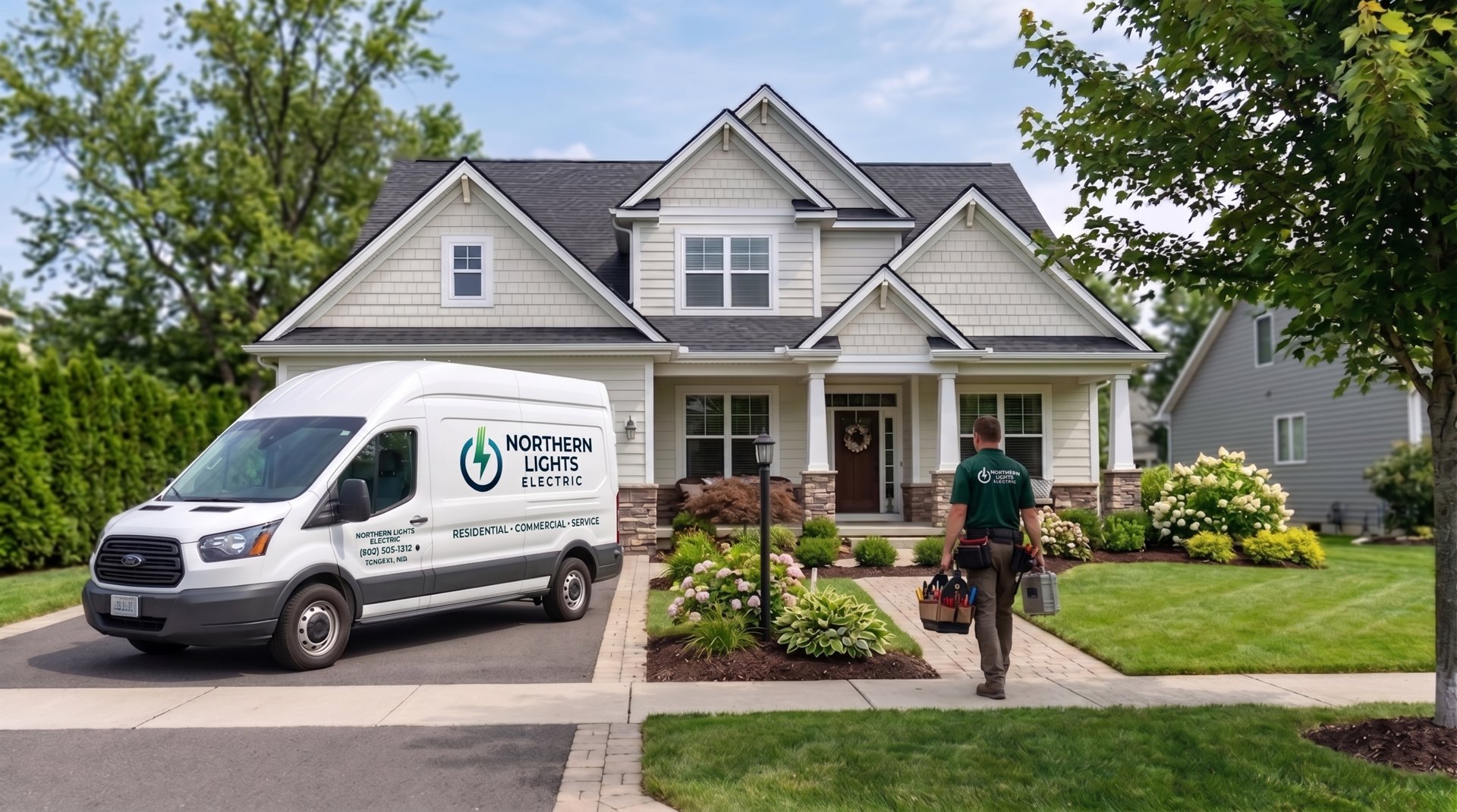
Next, thoroughly review your profile against Google's guidelines. Fix any violations before appealing. This includes removing keywords from your business name, switching to a service-area setup if you work from home, removing duplicate profiles, and ensuring your phone number connects directly to your business. Then, gather your documentation. You will need proof of business ownership such as a business license, tax documents, or utility bills showing your business name and address. Photos of your branded vehicles, storefront, or equipment can also help.
Submit your reinstatement request through the official Google Business Profile Help form. Be specific about what happened and what you have fixed. Generic appeals like please reinstate my account get ignored. Detailed appeals that show you understand and corrected the violation get processed faster. Include your documentation as attachments and explain clearly how your business operates.
How Long Does Reinstatement Take?
Reinstatement timelines vary dramatically depending on the violation and the quality of your appeal. Simple fixes like removing keywords from your business name can be resolved in three to five business days. Complex cases involving address verification or duplicate profile merges can take two to four weeks. If Google requests additional documentation, respond within 24 hours to avoid delays.
While you wait, focus on alternative lead sources. Notify your regular customers that they can still reach you directly. Increase activity on your Facebook page, Nextdoor presence, and other directories where you are listed. If you have an email list, send a message letting past customers know you are still available. The businesses that survive suspensions best are the ones that do not depend entirely on Google for all their leads.
Preventing Future Suspensions
Once your profile is reinstated, take steps to prevent this from happening again. Avoid making multiple edits to your profile in a single day. Space out changes by at least a week. Never add services or categories you do not actually offer, even if competitors are doing it. Keep your business name clean and consistent everywhere it appears online. If you move offices or change phone numbers, update your citations across the web before updating your Google Business Profile.
Spruce Local helps home service businesses maintain compliant, optimized Google Business Profiles that stay active and visible. We monitor for suspension risks, handle profile updates safely, and manage reinstatement appeals when problems arise. If your profile is currently suspended or you want to prevent future issues, contact us at (509) 557-0797 for immediate assistance.