
Google Maps · Field notes · 3 min read · By Alexander Bishop
Google Business Profile photos for contractors: a job-site checklist
Use photos that answer the questions a homeowner has before calling: do you do this work, does the crew look legitimate, and does the finished work hold up?
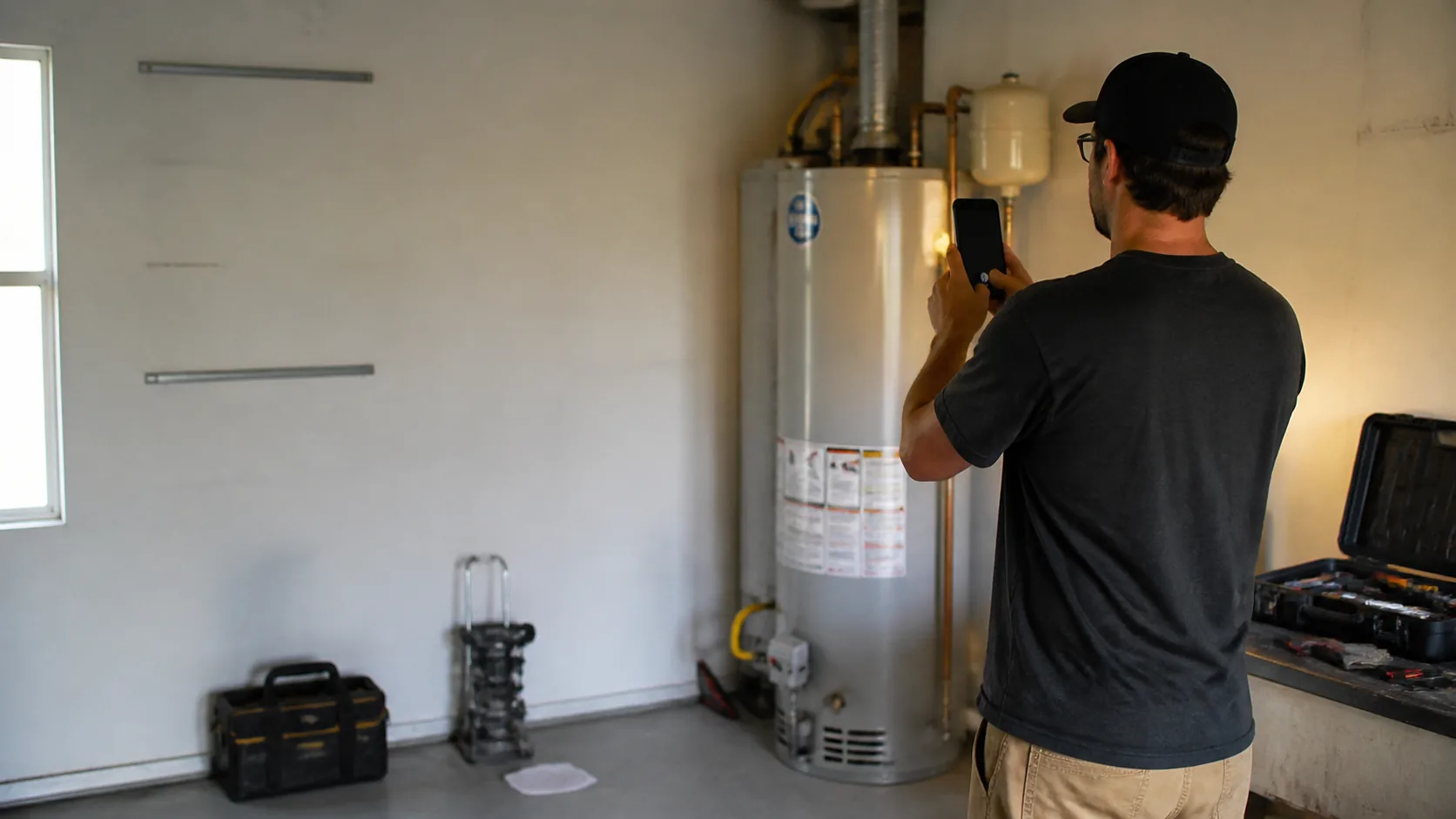
Take the photo after the work earns it
A useful contractor photo has a clear subject: a repaired water heater, a clean panel upgrade, a finished roof detail, a technician carrying equipment, or a work van outside the right kind of job. Get the customer's permission before photographing inside a home or showing a recognizable property.
How many photos should the listing have?
Google does not publish a magic count that guarantees ranking. Start with enough current images to show the main services, crew or owner, equipment, vehicles, and finished work, then add the best proof from new jobs. Twenty useful images beat two hundred near-identical uploads.
Can the website and Google use the same photos?
Yes, when the business owns them and they still represent current work. Reusing a strong project image helps customers recognize the same company across the listing and site. Do not upload a website screenshot or download a compressed thumbnail when the original job photo is available.
Keep a small repeatable list
After a completed job, capture one wide context shot, one useful detail, and one crew or equipment image when it makes sense. Keep house numbers, customer faces, paperwork, and personal items out of frame. Upload the few that best represent current work.
Keep it real
Google says photos should be in focus, well lit, and represent reality without significant alterations or excessive filters. A series of ordinary, honest photos from current jobs is more useful than staged images.