
Google Maps · Field notes · 5 min read · By Alexander Bishop
Should a contractor hide their home address on Google?
If customers do not come to your home office, hide the address and use a service area. Google still needs a real address for verification, but your customers do not need to see it.
Hide it if customers do not come to you
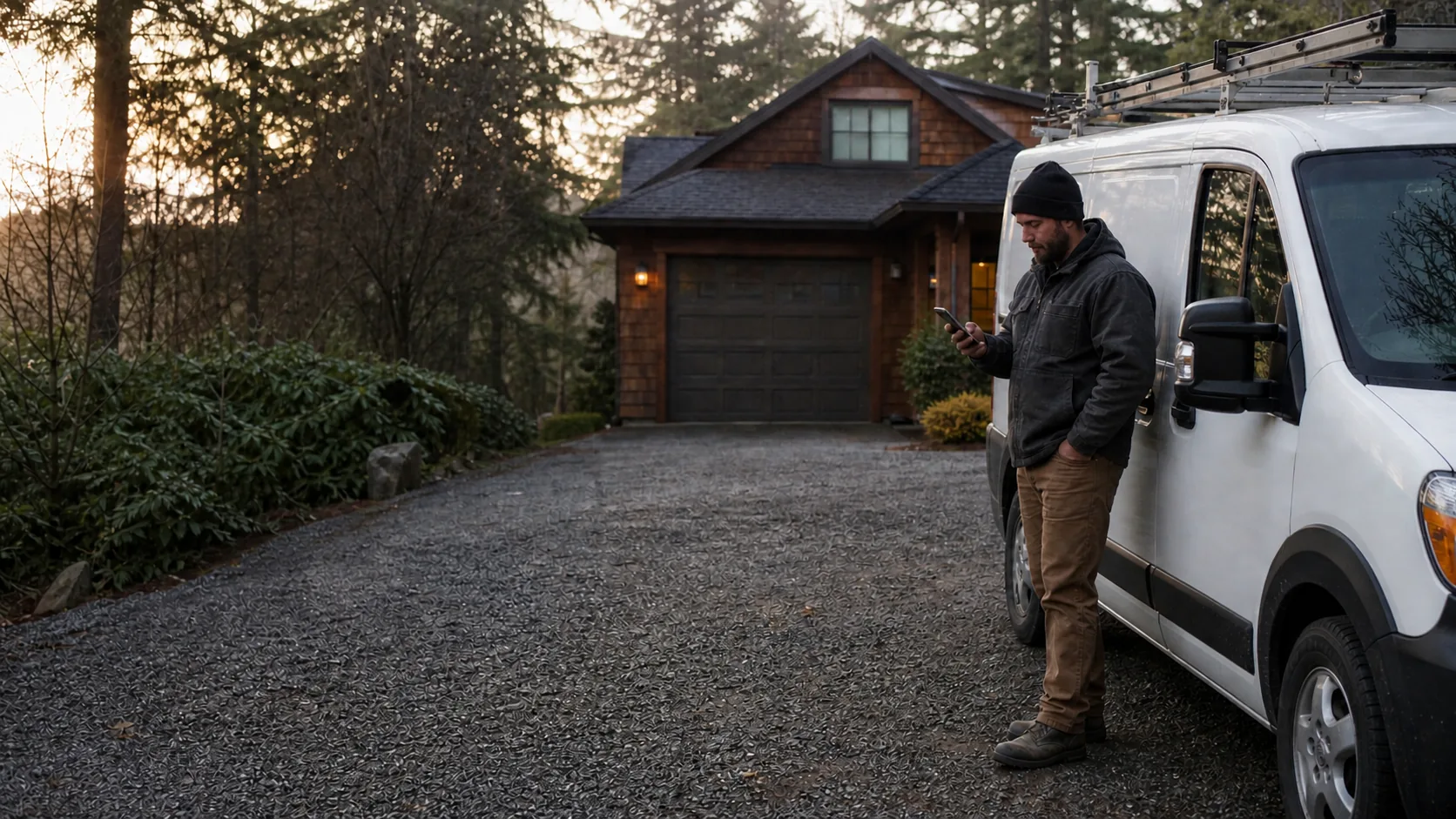
For most home-based contractors, the answer is yes. If you run the business from home, dispatch to customers, and do not accept walk-ins, set up the profile as a service-area business and hide the street address from customers. Google gives the same example: a plumber who operates from a residential address should clear that address from the public profile.
Hiding the address does not make the business less real. Google still needs an accurate, real-world address to verify the business. The change controls what customers see in Search and Maps. They will see the service area instead of your house, which protects privacy and tells them where you work.
Show the address only when it works like a storefront
Show an address when customers can actually visit the location during the hours listed. A showroom, supply counter, staffed office, or shop that welcomes customers can qualify. A hybrid business can show its address and also list a service area if it both receives customers and travels to jobs.
The test is ordinary and practical. Can a homeowner arrive at the address during business hours, find the business, and speak with your team? If the answer is no, leaving the address public creates the wrong expectation. It can also send customers to your home or a locked warehouse when they only wanted to schedule a job.
A service area is not a ranking radius
Add the cities, ZIP codes, or regions where you genuinely take work. Keep the list tied to dispatch, travel time, licenses, and the kinds of jobs you will actually accept. Google says a service-area business should generally stay within about two hours of its base, although some businesses may have a legitimate reason to travel farther.
Do not treat those areas as extra map pins. Adding every town in the state will not move your address closer to each searcher. It does create calls from places you may not want to serve. A smaller, honest area makes the profile, the website, and your phone intake agree on the work you want.
Keep your verification address real
A home address can remain on file with Google even when it is not shown publicly. Do not replace it with a PO box, virtual office, coworking desk, or a relative's address. Google requires a real-world location and does not allow a rented address where the business does not operate.
If Google asks you to verify by video, the home base can still work. Its guidance says a service-area business based at home can show nearby landmarks or signs, professional tools and equipment, and proof that the person recording manages the business. The public profile can remain a service-area profile after verification.
How to change the setting
Sign in to the Google account that manages the profile. Open Edit profile, go to Location, select the business-location edit control, and turn off “Show business address to customers.” Then save a service area that reflects the places you serve. Google’s screens change from time to time, but those are the current settings to look for.
Check the live profile after the change processes. Make sure the public address is gone, the phone and website are correct, and the service area does not promise work you will not take. If the business later opens a real showroom or staffed shop, update the profile to reflect that change instead of making a second listing.