
Google Maps · Field notes · 6 min read · By Alexander Bishop
Google Business Profile video verification for contractors: what to show
Google wants proof that the business exists and that you manage it. A single, simple mobile video can do both if you show the right things.
What Google is trying to confirm
Video verification is not a commercial for your company. Google is checking two things: that the business exists and that the person submitting the profile actually represents it. Contractors make this harder when they try to stage a polished tour. A plain, continuous walk-through of real work equipment and business access is more useful.
Google requires an unedited, unique recording made and uploaded from a mobile device through the Business Profile. It must run for at least 30 seconds with no breaks. You cannot record it on another device, edit it later, and upload the finished version. Plan the route before opening the camera.
For a service-area contractor, show the work
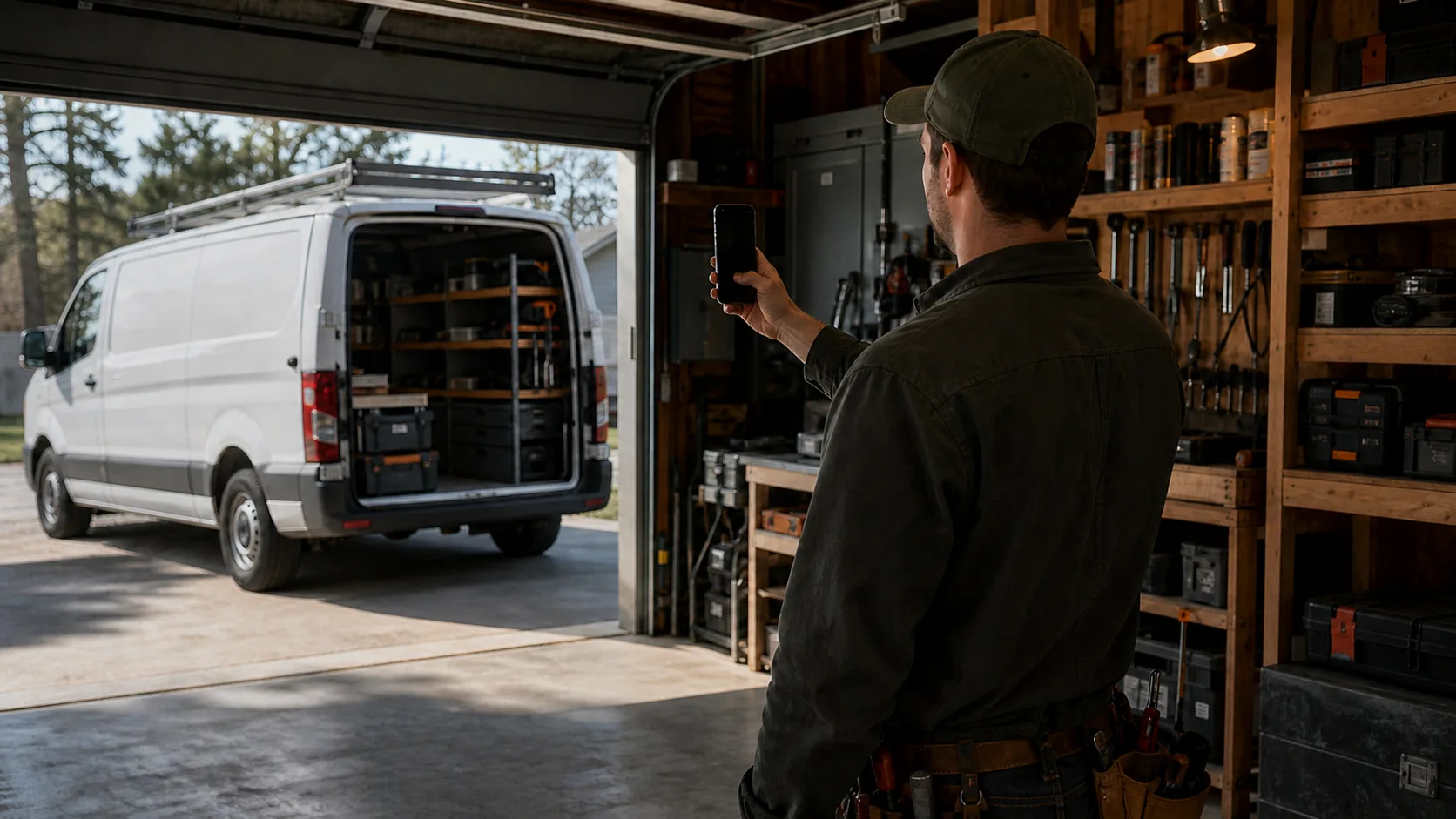
Start with proof that the business does the work it claims. Google specifically lists professional tools, equipment, products, a workspace, business cards, and branded apparel as useful evidence. For a plumber, that might be a van stocked with drain equipment and a work bench. For an electrician, it could be organized electrical tools, a job trailer, or the shop where material is prepared.
You do not need to show a customer home or a live job. In fact, avoid recording any customer's face, address, or private information. A home-based contractor can show the immediate neighborhood or nearby signs to support the address, then shift to the tools and equipment that prove the operation is real.
Show that you control the business
Google also needs a reasonable sign that you manage the business. Its examples include unlocking a branded work van, accessing business-only assets, performing a service, or showing a business document that matches the profile name. Pick the least sensitive option that is true for your business.
A clean sequence might be: record nearby address context without showing personal details, open the work van with your key, show the tools inside, then show a business permit or invoice briefly enough to match the business name while covering account numbers and customer details. Do not film a bank statement, tax return, ID number, or anything you would not want stored with a platform.
A simple 45-second route
Before recording, unlock the vehicle or workspace and put any sensitive paperwork away. Start the video outside or near the home base, show enough local context to establish the location, then walk directly to the vehicle, workshop, or equipment. Open the business-only asset yourself. Pan across the tools and work materials. Finish on the proof of management you chose.
Keep the phone in motion without rushing. Do not cut between scenes or narrate a long story. Check the whole clip before upload. If it does not show both the business activity and your authority to manage it, record another one while you are still set up.
If the first video is rejected
Google says review can take up to five business days. If the video fails, it should identify what was missing, such as local area context, a visible business name for a storefront, or proof that you are authorized to operate. Read the issue before filming again and add the missing proof rather than sending the same clip twice.
Do not create a new profile because verification is frustrating. That can create a duplicate and make ownership harder to sort out. Keep working from the original profile, use the available verification method, and make the next video clearer and more complete.
The listing says “in review”
Do not keep editing core fields while Google reviews the verification. Watch the owner email, keep the original evidence available, and allow the stated review window to pass before opening another support path. A new profile or repeated submission can create a second problem without speeding up the first.
If Google asks for more proof, answer the missing point directly. Show the business activity, location context, and management access the reviewer could not confirm; do not send the same clip with a different filename.